
I used to pay for a hosted workflow automation platform. Five workflows, a few hundred executions a day, nothing crazy. Then one month the bill jumped because I went over the execution limit. That's when I looked into n8n.
n8n is an open-source workflow automation tool. Think of it as the same idea as the hosted automation platforms you've probably tried, except you run it yourself. No per-execution pricing, no artificial limits on how many workflows you can build, no vendor deciding which integrations you're allowed to use. You install it on a server, point a domain at it, and you've got your own automation server.
I've been running n8n on a server for over a year now. Hundreds of workflows, thousands of executions per day, total cost: the price of the server. Here's how to set it up.
Before getting into the setup, a quick overview for people who haven't used it.
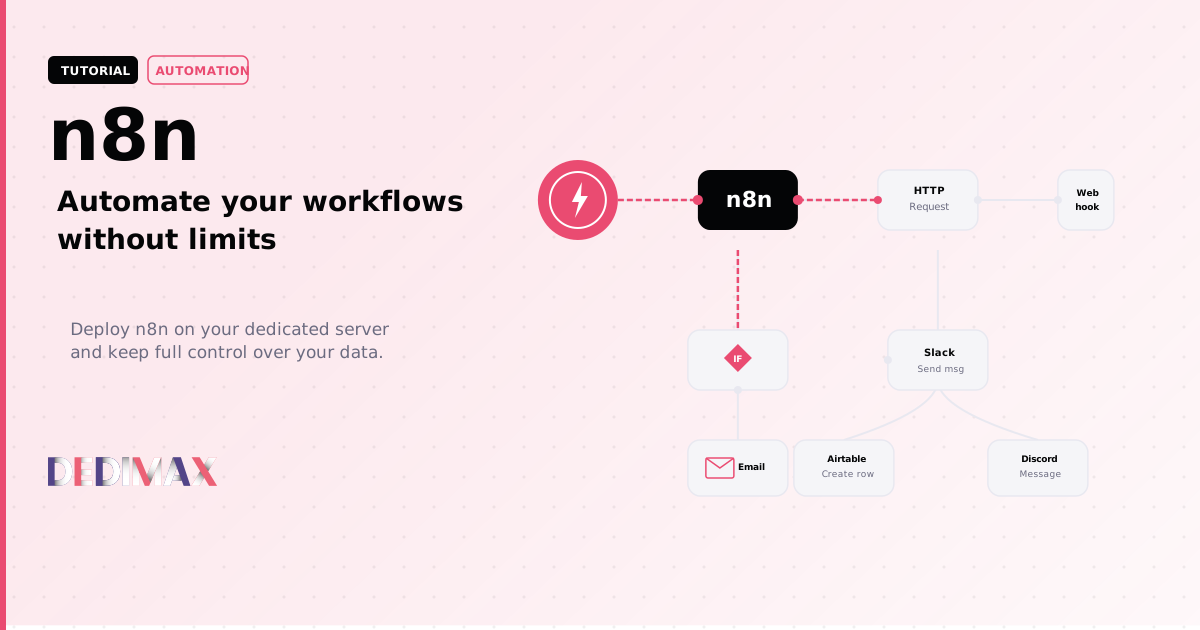
Connect APIs together. Get a Slack message when someone fills out a form. Push new payments to a spreadsheet. Send a Discord alert when your monitoring detects downtime.
Process data. Transform JSON, merge data from multiple sources, filter and route based on conditions. It has a visual editor, but you can also write JavaScript or Python directly in nodes.
Schedule tasks. Run a workflow every hour, every day at 9am, or on a cron schedule. Scrape a price comparison page daily and get alerted when something drops below a threshold.
Trigger on webhooks. n8n gives you webhook URLs that other services can call. A payment provider sends a webhook when a charge fails, n8n catches it, looks up the customer in your CRM, and sends a follow-up email. All automatic.
n8n has 400+ built-in integrations and a community that builds more. If a service has an API, you can connect it.
The hosted versions of automation tools work fine. They just come with the usual constraints of any hosted SaaS: tiered pricing, execution limits, your data flowing through someone else's infrastructure, and limited control over custom integrations.
Self-hosting removes all of that. Your workflows, your data, your server. The only cost is the server itself. You can get started for as low as 3.90€/month.
The trade-off: you're responsible for updates, backups, and uptime. But if you're the kind of person who builds automations, managing a server is probably within your comfort zone.
For most setups, 2-4 GB of RAM is plenty. I run about 80 active workflows on 4 GB and the server barely breaks a sweat. CPU spikes during heavy data processing but stays under 30% most of the time. A Cloud server from 3.90€/month is more than enough to get started.
Point a subdomain at your server IP. For example:
n8n.yourdomain.com → A record → YOUR_SERVER_IPThis needs to propagate before step 4. Do it first.
SSH into your server and set things up:
bash
mkdir -p ~/n8n && cd ~/n8n
mkdir -p n8n_databash
nano docker-compose.ymlPaste this:
yaml
version: '3.8'

services:
  n8n:
    image: docker.n8n.io/n8nio/n8n
    restart: unless-stopped
    ports:
      - "5678:5678"
    environment:
      - N8N_HOST=n8n.yourdomain.com
      - N8N_PORT=5678
      - N8N_PROTOCOL=https
      - WEBHOOK_URL=https://n8n.yourdomain.com/
      - GENERIC_TIMEZONE=Europe/Paris
    volumes:
      - ./n8n_data:/home/node/.n8n
Replace n8n.yourdomain.com with your actual subdomain and adjust the timezone.
You need HTTPS. The easiest approach if you already have Nginx on your server:
bash
sudo nano /etc/nginx/sites-available/n8nnginx
server {
    listen 80;
    server_name n8n.yourdomain.com;

    location / {
        proxy_pass http://127.0.0.1:5678;
        proxy_set_header Host $host;
        proxy_set_header X-Real-IP $remote_addr;
        proxy_set_header X-Forwarded-For $proxy_add_x_forwarded_for;
        proxy_set_header X-Forwarded-Proto $scheme;
        proxy_http_version 1.1;
        proxy_set_header Upgrade $http_upgrade;
        proxy_set_header Connection "upgrade";
    }
}
Enable the site and get an SSL certificate:
bash
sudo ln -s /etc/nginx/sites-available/n8n /etc/nginx/sites-enabled/
sudo nginx -t && sudo systemctl reload nginx
sudo certbot --nginx -d n8n.yourdomain.com
If you don't have Certbot:
bash
sudo apt install certbot python3-certbot-nginx -yThe WebSocket headers (Upgrade and Connection) are important. Without them the n8n editor loads but real-time updates don't work, and you'll be confused about why your test executions seem frozen.
bash
cd ~/n8n
docker compose up -d
Wait 30 seconds, then open https://n8n.yourdomain.com in your browser. You'll see the setup screen asking you to create an account.
That's it. You have a fully functional automation server.
A few things you should do right away.
Set up authentication. n8n creates a local account during setup. Use a strong password. If you want extra protection, add HTTP basic auth in Nginx on top of n8n's own auth.
Restrict access by IP (optional). If only you use n8n, you can lock it down to your IP in Nginx:
nginx
location / {
    allow YOUR_IP;
    deny all;
    proxy_pass http://127.0.0.1:5678;
    # ... rest of proxy config
}
Webhook URLs still need to be reachable from the internet though. You can be more selective:
nginx
location /webhook/ {
    proxy_pass http://127.0.0.1:5678;
    # ... proxy config (open to all)
}

location / {
    allow YOUR_IP;
    deny all;
    proxy_pass http://127.0.0.1:5678;
    # ... proxy config (restricted)
}
Enable automatic backups. Your workflow definitions and credentials live in ~/n8n/n8n_data. Back it up:
bash
# Daily backup via cron
0 3 * * * tar czf ~/backups/n8n-$(date +\%Y\%m\%d).tar.gz ~/n8n/n8n_dataIf you're not sure where to start, here are a few that pay for themselves immediately.
Uptime monitoring. Schedule a workflow to ping your websites every 5 minutes. If a request fails, send yourself a Slack, Telegram, or email alert.
New customer onboarding. Payment webhook triggers → create contact in CRM → send welcome email → notify your team in Slack. Runs automatically for every new customer.
Social media posting. Write a post, n8n publishes it to Twitter, LinkedIn, and your blog at the same time. Schedule posts for the week on Monday morning.
Invoice processing. Receive invoices by email → extract data → log in spreadsheet → send to accounting software. Works with Gmail, Outlook, or any IMAP inbox.
Server alerts. Webhook from your monitoring tool (Grafana, Uptime Kuma) → format the alert → send to Discord or Slack with context and links.
n8n releases updates frequently. Updating is straightforward:
bash
cd ~/n8n
docker compose pull
docker compose up -d
The data persists in the mounted volume, so updates don't touch your workflows or credentials.
For most users, a small Cloud instance or VPS handles n8n without issues. But if you start running heavy workflows, processing thousands of records, making hundreds of API calls per minute, or running AI nodes that call LLM APIs, you'll want more.
Signs you've outgrown your setup: executions start timing out, the editor feels sluggish, or htop shows sustained high CPU. At that point, move up:
All Dedimax plans include unlimited bandwidth. Since n8n makes a lot of outbound API calls and receives webhooks constantly, you don't want a bandwidth cap getting in the way.
Hosted automation platforms typically charge per execution. Once you cross a few thousand tasks per month, the bill climbs fast. By the time you're seriously automating, you're often paying more for the automation tool than you would for a server that runs everything you want without limits.
n8n on your own server starts at 3.90€/month (Cloud) and scales up from there. Unlimited workflows. Unlimited executions. Your data stays on your server.
Over a year, that's a few dozen euros versus several hundred. And you get a server that can run other things too: a blog, a monitoring dashboard, a side project. It pays for itself quickly.
Toma el control de tu servidor dedicado (configuraciones, datos...) sin límites en el uso de aplicaciones.
Que estas esperando ?
Te esperamos en nuestro blog. Guías y tutoriales publicados regularmente (sysadmin, gaming, devops...) !
Permítame verificar