tutorial
Automate Your Infrastructure with the Dedimax API: 5 Real-World Use Cases
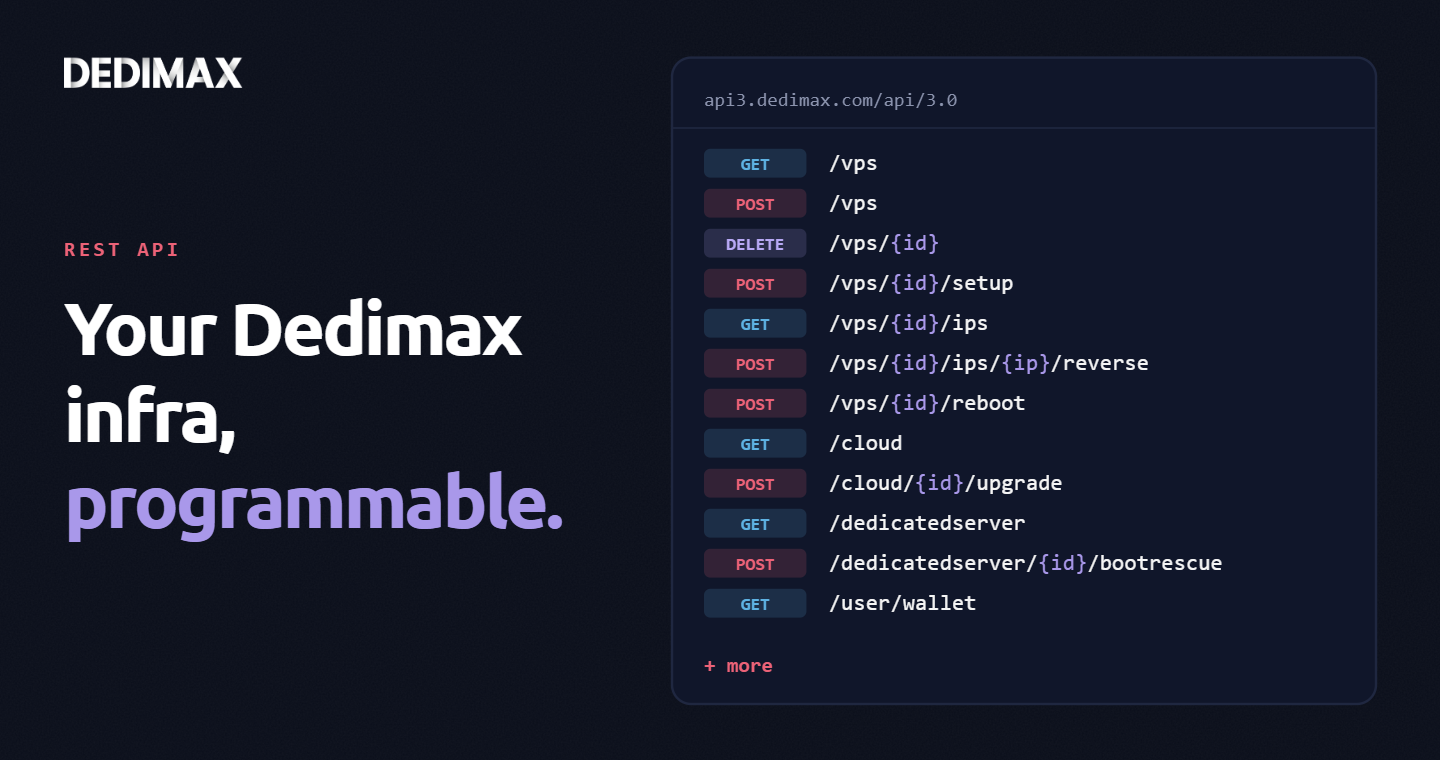
Clicking through a panel to provision a VPS, trigger a reboot, or change a reverse DNS record is fine when you...

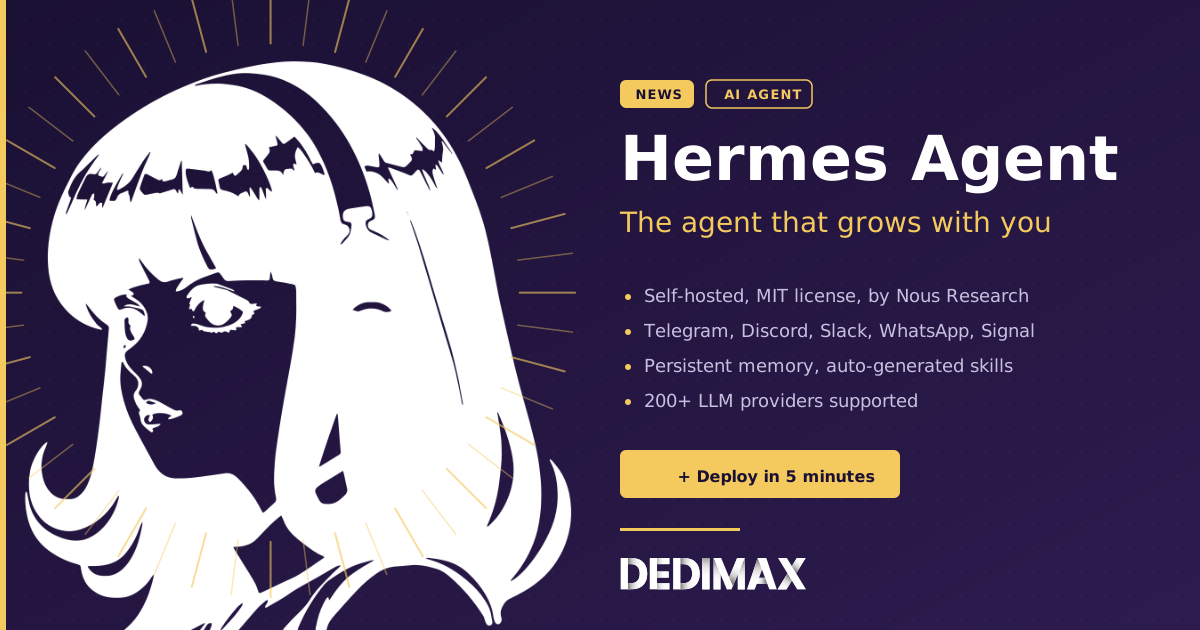
Nous Research just released Hermes Agent v0.14.0, an open-source AI agent that runs on your own server and connects to the messaging apps you already use. If you've been following the self-hosted AI space (or if you're already running OpenClaw on your VPS), Hermes is worth a look.
This article covers what Hermes is, how it compares to OpenClaw, and how to decide which one fits your setup.
Hermes is a self-hosted AI agent. You install it on a Linux server, give it API keys for the LLM provider of your choice, and connect it to your messaging platforms. Once it's running, you talk to it from Telegram, Discord, Slack, WhatsApp, Signal, Email, or directly from a CLI.
The core idea is the same one OpenClaw users will recognize: an AI assistant that lives on your infrastructure, with your data, talking to you in the apps you already use every day. No SaaS subscription, no walled garden, no third party reading your conversations.
Hermes is built by Nous Research, a known open-source AI lab, and released under the MIT license. The repo sits at 153k GitHub stars at the time of writing.
A few things stand out in the v0.14.0 release.
Multi-platform messaging gateway. One gateway process handles Telegram, Discord, Slack, WhatsApp, Signal, and Email. You can start a conversation on one platform and continue it on another. Voice memos get transcribed automatically.
Persistent memory and self-improving skills. Hermes maintains memory across sessions and generates its own skills from experience. When it solves a complex task, it can save the solution as a reusable skill. Those skills get refined the more they're used. The project calls this a "closed learning loop".
Built-in cron scheduling. You describe a recurring task in natural language ("send me a daily summary of unread emails at 8am"), and Hermes schedules it. The result gets delivered through whichever platform you prefer.
Subagent delegation. Hermes can spawn isolated subagents with their own context and terminal, then collapse multi-step pipelines into a single response. Useful for parallel work without bloating the main conversation.
Seven execution backends. Local, Docker, SSH, Singularity, Modal, Daytona, and Vercel Sandbox. The serverless ones (Modal, Daytona) let your agent's environment hibernate when idle, which keeps costs low.
LLM provider agnostic. Hermes works with Nous Portal, OpenRouter (200+ models), NVIDIA NIM, Anthropic Claude, OpenAI, MiniMax, z.ai/GLM, Hugging Face, or your own endpoint. Switching providers is a single command.
If you've been running OpenClaw on your VPS, the obvious question is: should I migrate? The honest answer is "it depends on what you want to do".
Both projects share the same DNA. They're self-hosted AI agents that connect to messaging platforms, run on your server, store data locally, and let you build custom skills. The differences are in the details.
Hermes is more "research lab". It comes from Nous Research and shows it. Features like batch trajectory generation, trajectory compression for training tool-calling models, and the dialectic user modeling system reflect a more academic angle. If you're interested in training your own models from agent interactions, this matters.
OpenClaw is more "everyday user". The OpenClaw project leans toward broad accessibility, a polished onboarding flow, and a community focused on integrations and personal automation. If you just want an assistant running 24/7 and you're not interested in the underlying research, OpenClaw remains a perfectly solid choice.
Hermes has serverless backends. Modal, Daytona, and Vercel Sandbox let your agent run on infrastructure that costs nearly nothing when idle. This is a real architectural difference. OpenClaw expects a persistent server.
OpenClaw has more time in the field. It's been in the wild longer, which means more community-built skills, more documentation written by users, more battle-tested integrations.
Neither is "the right one". They're solving slightly different problems from slightly different angles. Some people run both.
If you do want to migrate from OpenClaw to Hermes, the Hermes CLI includes a hermes claw migrate command that imports your existing OpenClaw config, memories, skills, and API keys. The setup wizard even detects an existing ~/.openclaw directory and offers to import automatically. Details are in the Hermes documentation.
Hermes is lightweight. The official site mentions running it on a "$5 VPS", and that matches what you'd expect for a Python agent making API calls to a hosted LLM.
In practice, here's what we'd recommend:
For most users a Dedimax VPS at 9.99€/month with 4 GB RAM is the sweet spot. If you plan to run a local LLM alongside Hermes (instead of using a hosted API), you'll want a dedicated server with GPU instead.
Hermes ships a one-liner installer for Linux, macOS, and WSL2:
curl -fsSL https://raw.githubusercontent.com/NousResearch/hermes-agent/main/scripts/install.sh | bashThe installer handles uv (Python package manager), Python 3.11, Node.js, ripgrep, and ffmpeg. After it finishes, reload your shell and start the setup wizard:
source ~/.bashrc
hermes setup
The wizard will ask you to pick an LLM provider and configure your messaging platforms. Two natural starting points:
With Anthropic Claude. Recommended if you already have an Anthropic API key. Claude is one of the strongest models for agentic tasks and has good support across the Hermes toolset. You pay per API call.
With Nous Portal. Nous Research's own model gateway. Useful if you want to stay within the Nous ecosystem or test their custom-tuned Hermes models. Pricing varies by model.
You can also use OpenRouter, which gives you access to over 200 models through a single API key, including open-weight options like Llama, Qwen, and DeepSeek.
Once setup is done, start chatting:
hermesThat drops you into the terminal UI. To connect a messaging platform, run hermes gateway setup and follow the prompts.
Before you let Hermes talk to the outside world, lock down the basics.
Set up a firewall to only allow SSH and the gateway ports. Our UFW guide covers this.
If you're exposing Hermes' web dashboard, put it behind an Nginx reverse proxy with a Let's Encrypt certificate. Hermes also supports restricting the gateway to loopback mode, which means you can only reach it through SSH tunnels or a private network like Tailscale. For production use, that's the recommended setup.
Hermes has its own command approval system and container isolation options. Read the security guide before running it with full filesystem access.
Self-hosted AI agents are no longer a fringe topic. OpenClaw, Hermes, and a handful of other projects have made it viable to run an autonomous assistant on a small VPS, talking to you from your favorite chat app, with full control over your data and skills.
For developers, the trade-offs are familiar: you get full ownership and customization, in exchange for being responsible for updates, backups, and security. If you've already deployed OpenClaw, deploying Hermes uses the same mental model. If you're new to self-hosted agents, either project is a reasonable starting point.
Hermes is at v0.14.0 and moving fast. The release cadence on GitHub is steady, and the migration path from OpenClaw means you can switch later if you decide it's a better fit.
If you want to try it, grab a VPS at 9.99€/month, follow the install one-liner above, and you'll be chatting with your own agent in under 10 minutes.
Deploy your own VPS
300+ apps in one click, full root access, ready in minutes.
From €9.99/mo
Clicking through a panel to provision a VPS, trigger a reboot, or change a reverse DNS record is fine when you...
If you've ever provisioned a fresh VPS and spent the next two hours installing Docker, pulling images, writing...
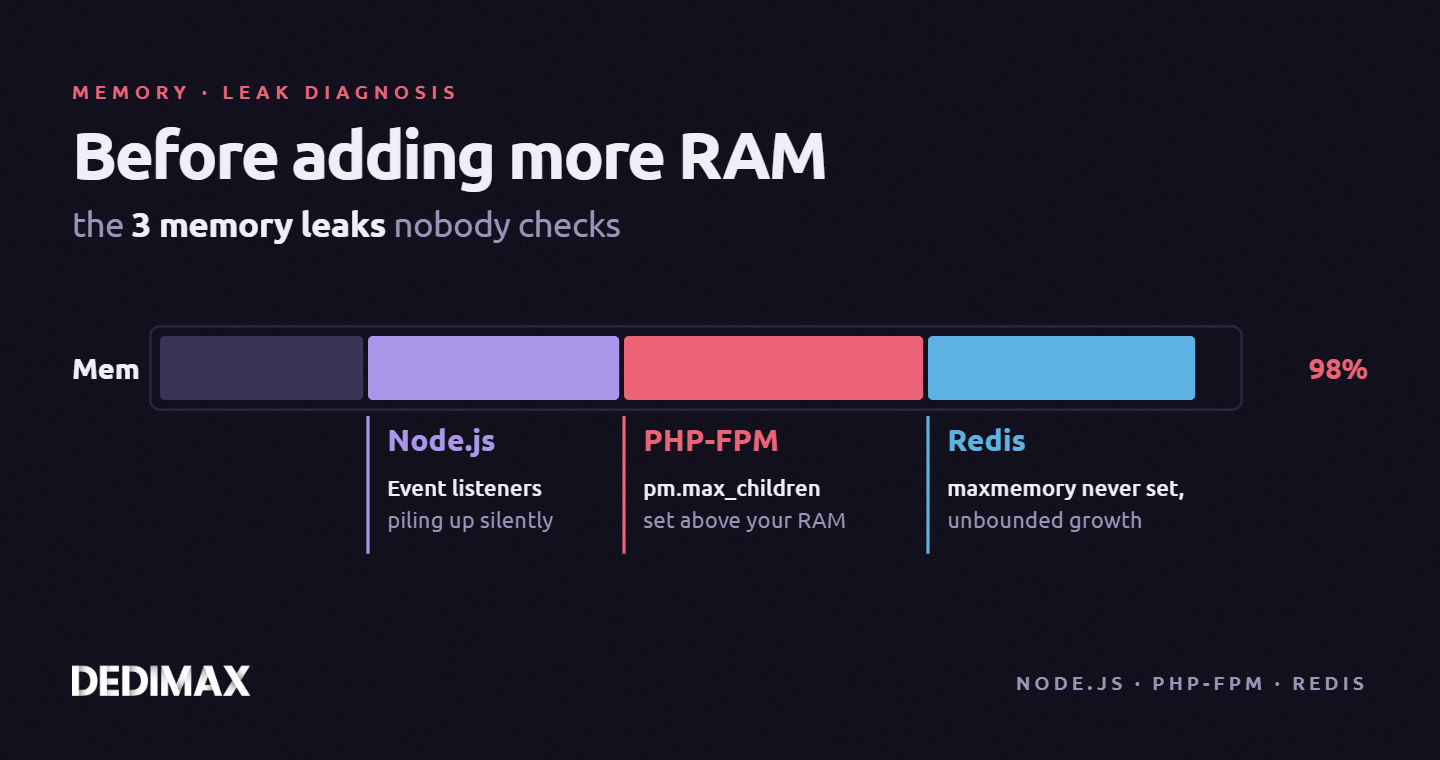
Your server's RAM usage climbs. Monitoring alerts fire. The temptation is to upgrade: more RAM, bigger instanc...
Take control of your dedicated server (settings, data ...) without any limits in apps usage.
What are you waiting for ?
We’re waiting for you on our blog. New guides and tutorials published regularly (sysadmin, gaming, devops...) !
Let me check