
Update May 8, 2026: A second related vulnerability called "Dirty Frag" (CVE-2026-43284 + CVE-2026-43500) has been disclosed. It uses a different attack path, meaning the Copy Fail fix alone does not protect you. We've updated the mitigation section below to cover both vulnerabilities at once.
A series of security vulnerabilities in the Linux kernel have been publicly disclosed in the past two weeks. They affect most Linux servers running kernels released since 2017, and allow a local user to gain root access.
Patches are available for most distributions. Here's what you need to know and what to do.
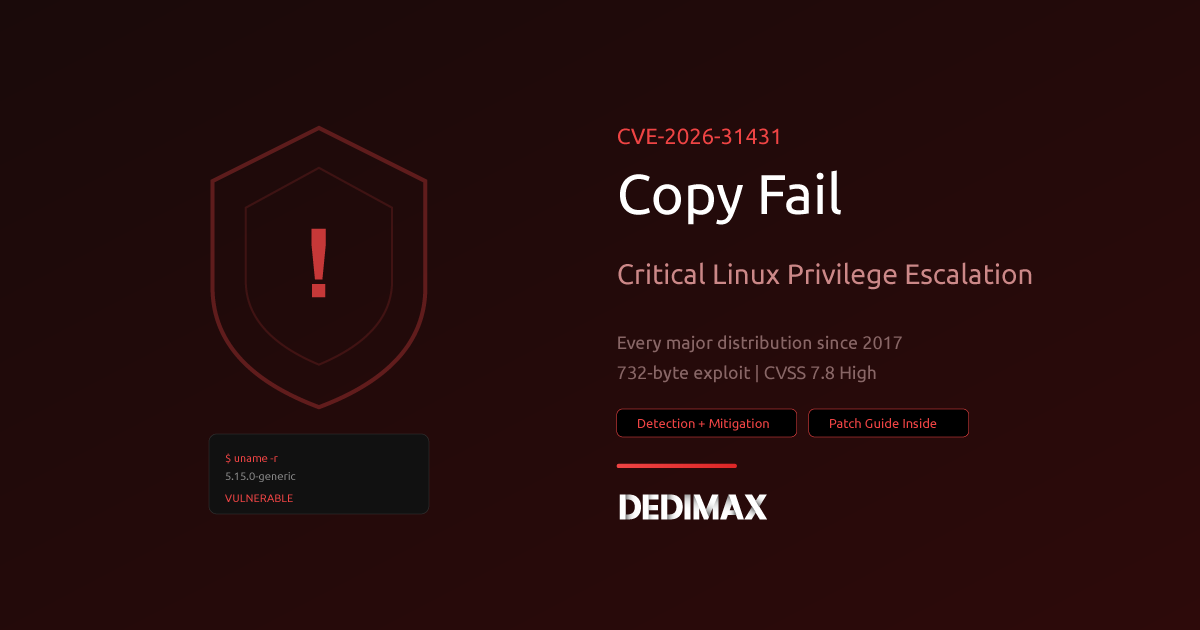
Copy Fail (CVE-2026-31431, disclosed April 29) is a bug in the kernel's algif_aead cryptographic component. It allows a local user to modify system files in memory to escalate their privileges to root. It's rated CVSS 7.8 (High).
Dirty Frag (CVE-2026-43284 + CVE-2026-43500, disclosed May 7) exploits the same type of flaw but through different kernel components: the IPsec ESP modules (esp4, esp6) and the RxRPC protocol. It also allows root escalation and works even on systems where the Copy Fail fix has been applied.
Both vulnerabilities require local access, they cannot be exploited remotely over the internet. But if someone has a user account on your server, they could use either one to become root.
Run this on your server:
uname -rIf your kernel version is 4.13 or higher (which includes Ubuntu 18.04+, Debian 10+, CentOS 8+, and all recent distributions), you are affected unless you've already updated your kernel in the past few days.
You can disable the vulnerable modules while you wait for a kernel update. This has no impact on most server workloads.
Run this single command to block all affected modules (Copy Fail + Dirty Frag):
echo -e "blacklist algif_aead\ninstall algif_aead /bin/false\ninstall esp4 /bin/false\ninstall esp6 /bin/false\ninstall rxrpc /bin/false" | sudo tee /etc/modprobe.d/kernel-lpe-mitigations.conf && sudo rmmod algif_aead esp4 esp6 rxrpc 2>/dev/null; echo "Done, modules blocked"This one command protects against both Copy Fail and Dirty Frag. The modules won't reload on reboot.
Note: If you use IPsec VPN connections on this server, blocking esp4/esp6 will break them. In that case, prioritize the kernel update instead.
The real fix is a kernel update. Most distributions have already published patched kernels.
Ubuntu / Debian:
sudo apt update && sudo apt upgrade -y
sudo reboot
RHEL / CentOS / Rocky / Alma:
sudo dnf update -y
sudo reboot
Amazon Linux:
sudo yum update -y
sudo reboot
After rebooting, check that your kernel was updated:
uname -rOnce the patched kernel is running, you can remove the temporary workaround:
sudo rm /etc/modprobe.d/kernel-lpe-mitigations.confThe fix needs to be applied on the host server, not inside the containers. Containers share the host kernel, so updating the host protects everything running on it.
All Dedimax Cloud, VPS, and Dedicated servers give you full root access. You can apply the temporary fix and the kernel update yourself using the commands above.
If you need help, our support team is available.
uname -r kernel 4.13+ means you're affectedThe vulnerabilities are serious but the fix is simple. One command for immediate protection, then a kernel update and reboot when you're ready.
Take control of your dedicated server (settings, data ...) without any limits in apps usage.
What are you waiting for ?
We’re waiting for you on our blog. New guides and tutorials published regularly (sysadmin, gaming, devops...) !
Let me check