
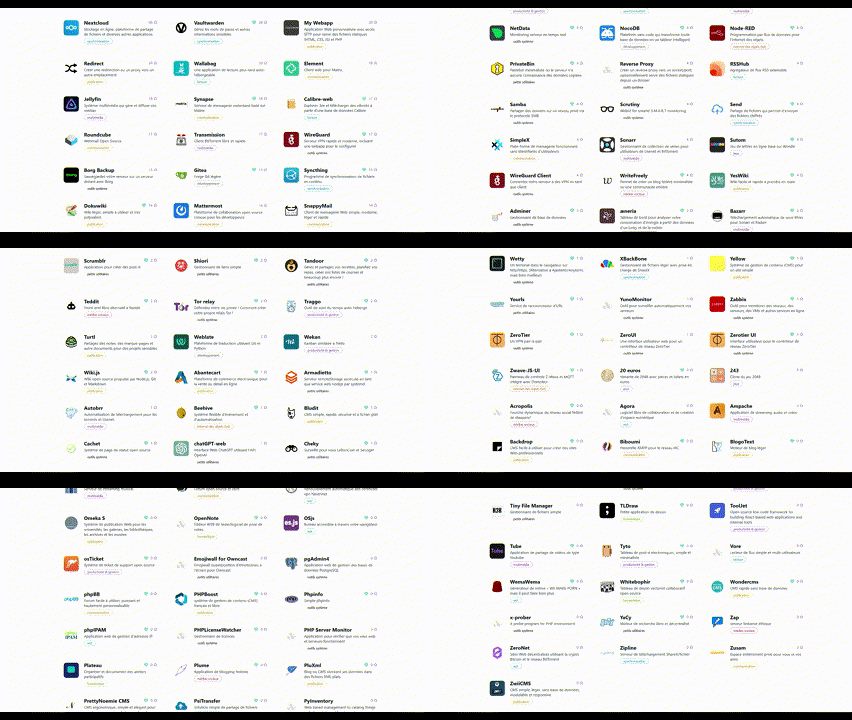

We’re thrilled to announce that Yunohost is now available for cloud servers, offering a seamless solution for installing hundreds of applications with just one click. This powerful self-hosting platform simplifies the process of managing your own services online. Let’s dive into the initial steps to set up Yunohost on your cloud server:
Begin by performing the initial configuration through the web interface. Simply type the public IP address of your server into the address bar of your web browser. This will initiate the setup process and guide you through the essential settings.
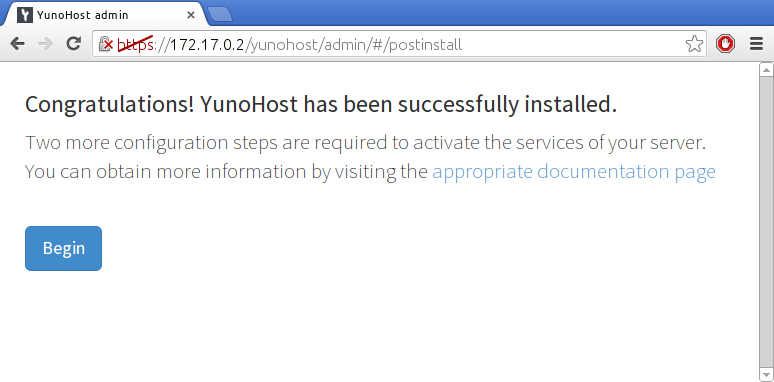
Add the domain you wish to use. It could be the subdomain included with your plan, such as cloudxxxx.dedimax.net. This step is crucial for accessing your Yunohost instance and managing your applications under a specific domain.
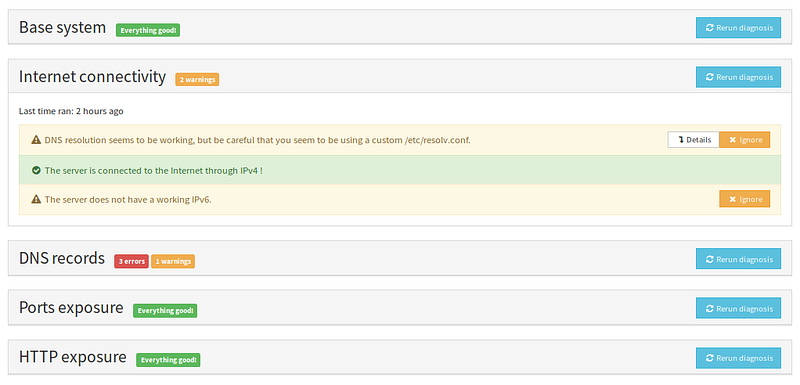
Once the post-installation setup is complete, log in to the web admin interface using the credentials of the first user you created. Run the initial diagnosis to ensure that all critical aspects of your server are properly configured. The diagnosis system runs twice a day and alerts you if any issues are detected, providing guidance on how to fix them.
Congratulations! You now have a well-configured server ready to host your applications. If you’re new to Yunohost, consider taking the guided tour for a better understanding of its features. Additionally, you can start installing your favorite applications with ease.
By choosing Yunohost on your cloud server, you’ve taken a significant step toward managing your online services efficiently. Explore the vast array of applications available and make the most out of your self-hosting journey!
Toma el control de tu servidor dedicado (configuraciones, datos...) sin límites en el uso de aplicaciones.
Que estas esperando ?
Te esperamos en nuestro blog. Guías y tutoriales publicados regularmente (sysadmin, gaming, devops...) !
Permítame verificar