tutorial
Critical PHP RCE Vulnerabilities (CVE-2026-109618 & CVE-2026-109619): What To Do Right Now
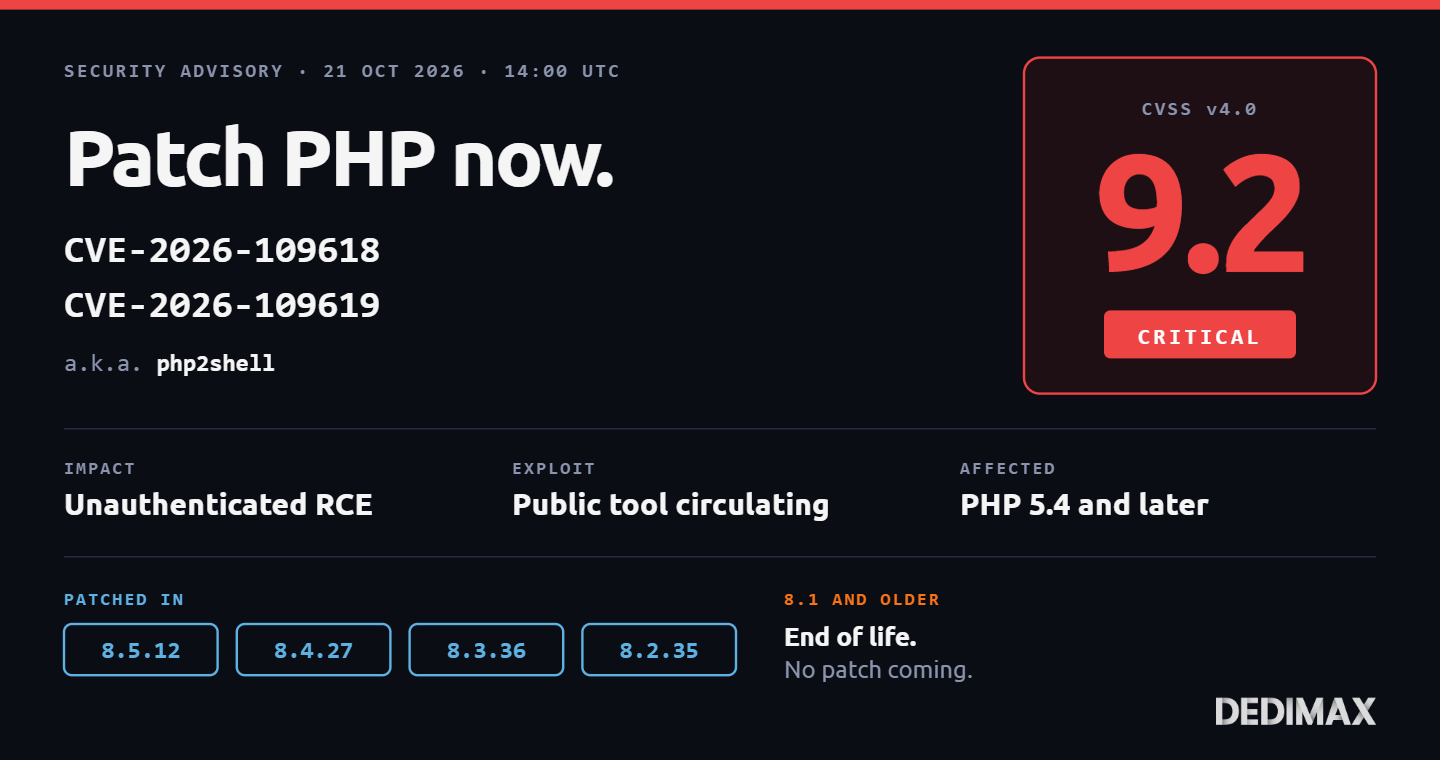
Two critical remote code execution vulnerabilities in PHP were patched today, October 21, 2026 at 14:00 UTC. T...

Every small business runs on a stack of SaaS subscriptions. Individually, each one is affordable. Together, they quietly compound into a monthly bill that surprises the CFO every quarter. A 15-person team with the standard set (password manager, cloud storage, project management, photo backup, automation platform) can easily spend the equivalent of a decent salary on subscriptions every year.
Self-hosting isn't the right answer for everything. Some tools are genuinely worth the SaaS premium because they solve problems your team doesn't want to. But a specific category of tools sits in the sweet spot: mature, actively developed open-source alternatives that match or exceed their commercial counterparts, run comfortably on a single server, and let your team keep working exactly the way they already do.
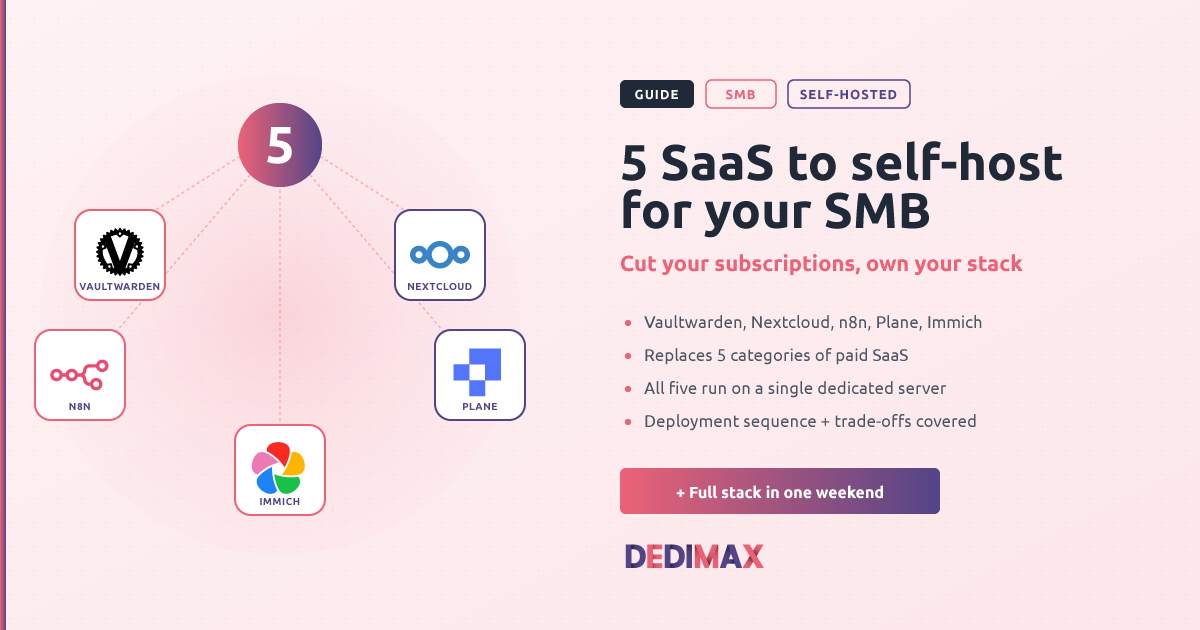
This guide covers the five self-hosted tools most SMBs get the best return on: password management, cloud storage and office collaboration, workflow automation, project management, and photo management. Each replaces a category of paid SaaS that most teams already use, each has a mature deployment story in 2026, and all five combined run on a single dedicated server for a fraction of the subscriptions they replace.
This guide is aimed at SMBs of 5 to 20 people that already run on SaaS and are looking at the yearly total wondering if there's a better way. You need:
If none of that scares you, the return is significant: many SMBs cut their SaaS subscription costs by more than 90% on this specific category while keeping most of the functionality their team actually uses.
Replaces: hosted password manager Team plans (Bitwarden Business, 1Password Teams, LastPass Business, Dashlane Business)
License: AGPL-3.0
Vaultwarden is a lightweight, Rust-based reimplementation of the Bitwarden server that works with every official Bitwarden client (browser extensions, mobile, desktop, CLI). Your team keeps using the apps they already know, but the vault runs on your server.
The math on this one is compelling. Hosted password managers for teams typically charge per user per month, with additional fees for features like SSO, provisioning, and advanced admin controls. For a 15-person team on a paid tier, that adds up to hundreds of euros per month or thousands per year. Vaultwarden gives you every premium feature (TOTP, file attachments, Bitwarden Send, WebAuthn, organizations, emergency access) for the cost of a small share of one server.
The setup is genuinely fast. A single Docker container, roughly 50 MB of RAM at idle, one config file. Deployment takes about 10 minutes if you already have Docker running and a domain pointed at your server.
For a full walkthrough, see our Vaultwarden self-hosting guide.
Replaces: Google Workspace (Drive, Docs, Sheets, Slides, Calendar, Contacts), Microsoft 365, Dropbox Business
License: AGPL-3.0
Nextcloud is the swiss army knife of self-hosted business tools. At its core, it's a file sync and share platform. Around that core, an ecosystem of apps handles document collaboration (via Collabora Online or OnlyOffice), calendars, contacts, video calls, kanban boards, tasks, and more. For most SMBs, Nextcloud alone replaces the majority of their Google Workspace or Microsoft 365 usage.
The cost delta is substantial. Per-user pricing on hosted office suites has been climbing every year, and each user adds to your bill for the life of the subscription. Nextcloud costs the same for 5 users as it does for 50, and the incremental cost is measured in disk space, not per-seat fees.
Deployment: the recommended approach is Nextcloud All-in-One (AIO), a single master container that deploys and manages the entire stack (database, Redis, Apache, Nextcloud itself, and optional add-ons like Collabora and Talk). The master container handles updates, backups, and configuration in one place, which removes most of the historical pain of Nextcloud installs.
Quick start once Docker is installed:
docker run \
--sig-proxy=false \
--name nextcloud-aio-mastercontainer \
--restart always \
--publish 80:80 \
--publish 8080:8080 \
--publish 8443:8443 \
--volume nextcloud_aio_mastercontainer:/mnt/docker-aio-config \
--volume /var/run/docker.sock:/var/run/docker.sock:ro \
nextcloud/all-in-one:latest
Open https://your-server-ip:8080, complete the setup wizard, and point your domain at it. AIO handles the rest.
Resource requirements: Nextcloud with basic apps uses about 2 GB of RAM. Add Collabora (server-side office document editing) and you'll want 4 GB minimum. For a 15-person team, 8 GB is comfortable.
Storage matters here. Unlike the other four tools in this list, Nextcloud is where your team's actual files live. Plan for 50 GB minimum for a small team, more if your users work with media or large datasets. NVMe storage on the server keeps the sync experience fast, which is what people notice.
Migration from Google Workspace: Use Google Takeout to export your team's Drive contents, then import into Nextcloud. Calendars and contacts export as iCal and vCard and import natively. The office document conversion is imperfect (Google Docs → ODT/DOCX loses some formatting on complex files), so plan for a validation step on important documents.
Replaces: Zapier, Make (formerly Integromat), Workato, hosted n8n Cloud
License: Sustainable Use License (source-available, free for internal business use)
Every team uses automation platforms whether they realize it or not. Notify a Slack channel when a form is submitted. Sync CRM contacts to the marketing tool. Trigger a workflow when a stripe payment completes. Post to social when a blog article is published. These small automations quietly add up to real productivity, and hosted automation platforms charge per task, per operation, or per workflow.
n8n is a visual workflow automation tool that self-hosts cleanly and integrates with over 400 services out of the box. If it has an API, n8n can talk to it. The interface is intuitive enough that non-developers on your team can build their own workflows after a few hours of exploration.
The economics work out fast. Hosted automation platforms charge based on volume: number of tasks, number of operations, or number of executed steps. For any team running more than a few thousand automated actions per month, the per-task fees add up quickly. Self-hosted n8n has no such limits. You pay for the server, and it runs as many workflows as your hardware supports.
Deployment: single Docker container or Docker Compose with PostgreSQL. RAM footprint is about 300-500 MB idle, more depending on workflow complexity.
For a complete walkthrough, see our n8n self-hosting guide.
Replaces: Jira, Linear, Asana, Monday.com, ClickUp
License: AGPL-3.0 (Community Edition) or Free tier on the Commercial Edition
Every SMB tracks work somewhere. For most teams, that "somewhere" started as a spreadsheet, evolved into a Trello board, and eventually ended up on Jira, Linear, or Asana, complete with the per-user monthly fee that follows every hire. Plane is the open-source project management platform that has matured enough in 2026 to be a serious alternative for teams tired of that pricing model.
Plane's feature set covers what most SMBs actually use: work items, cycles (sprints), modules (grouped initiatives), views with custom filters, kanban boards, roadmaps, integrated wiki pages, and a REST API for the automations your team will inevitably want. If your workflow was designed around Jira's more esoteric features (advanced JQL, deep custom workflows, marketplace plugins), you'll notice the gap. If your team just wants to track work efficiently, Plane covers it well.
The Community Edition is fully AGPL-3.0 and free. The Commercial Edition has a free tier that includes all features, so smaller teams can run everything without paying anything. Larger teams license the Commercial Edition as they grow.
Deployment: Plane's stack is heavier than the other tools in this list, with about 10-12 containers (PostgreSQL, Redis, RabbitMQ, MinIO, Plane services). Plan for 8 GB RAM minimum, 16 GB comfortable for teams over 20 users.
For deployment steps and the Jira migration path, see our Plane self-hosted guide.
Replaces: Google Photos, iCloud Photos, Amazon Photos, Dropbox Camera Uploads
License: AGPL-3.0
Immich is the Google Photos alternative that finally passes the "would non-technical family members use it" test. Automatic mobile upload, face recognition, machine learning tags, search by content, timeline view, shared albums, live photos support, video playback. The mobile apps (iOS and Android) look and feel like Google Photos, which matters more than most technical people think.
For SMBs specifically, this is useful in three cases:
Hosted photo storage services charge per gigabyte or per user, and the storage-heavy plans get expensive fast. Self-hosted Immich costs the same for 100 GB as it does for 10 TB (the only additional cost is the drive space itself, which is inexpensive at scale).
Deployment: Docker Compose with PostgreSQL and Redis. About 2-4 GB RAM, more if you enable machine learning features locally (face recognition, object detection). For the ML features to work well, dedicated GPU or a Coral USB accelerator helps. Otherwise CPU-only ML works but is slower.
For the full setup, see our Immich self-hosting guide.
The good news for SMBs is that these five services don't need five separate servers. They can (and should) run side by side on the same machine, each in its own Docker Compose stack, behind a single reverse proxy that handles HTTPS.
Recommended hardware for the full stack (5 services, 15-20 users):
A dedicated server at Dedimax with these specs runs the full stack comfortably. For teams under 10 people, a VPS with 16 GB RAM and NVMe works too, though Plane and Nextcloud will feel tight together on that class of hardware.
Architecture pattern:
Setup sequence (do these in order):
vault., cloud., flows., plane., photos. are common conventions)Timeline expectation: a technically comfortable person can deploy the full stack in a weekend. Migrating your team's actual data and switching users over takes another 2-4 weeks in the background. The full transition is realistically a 6-week project done alongside other work.
Self-hosting isn't just a cheaper SaaS subscription. It's a different operational model. Before you commit, be honest about the trade-offs.
You own the uptime. No SLA, no support hotline, no vendor to escalate to when something breaks at 3 AM. If Vaultwarden goes down, nobody on your team can log into anything until you fix it. Monitoring (see Uptime Kuma) and a documented rollback plan are not optional.
You own the updates. Security patches don't apply themselves. Someone on your team needs to check for updates monthly, apply them, and verify nothing broke. Most self-hosted tools update cleanly, but occasional breaking changes will require reading release notes carefully.
You own the security. These services will be internet-facing (or accessible via VPN, depending on your setup) and need to be treated as production infrastructure. Strong passwords, 2FA, regular audits, and a firewall that only exposes what needs to be exposed. See our UFW firewall guide for the basics.
Some features won't match. Hosted SaaS has years of accumulated polish that self-hosted alternatives haven't matched yet. Google Photos' search is still slightly better than Immich's. Jira's marketplace plugin ecosystem is larger than Plane's. Nextcloud's mobile sync is occasionally quirky. If specific SaaS features are load-bearing for your business, verify they exist in the alternative before you migrate.
Migration takes real work. Exporting from SaaS is easy. Getting the imports right, mapping users, preserving history, and validating that everything transferred is where the actual effort lives. Budget for it explicitly.
If these trade-offs match your team's operational comfort, the return is substantial. If they don't, the honest answer is to stay on SaaS. There's no shame in paying for uptime that someone else owns.
To be fair to the alternative: some categories genuinely justify their SaaS premium for most SMBs. Payroll, accounting, CRM, HR, customer support, and marketing automation typically fall into this bucket. The compliance requirements, integrations, and specialized features these tools provide are worth the subscription for teams whose core business isn't running infrastructure.
The five categories in this guide are different: they're mature, they're mostly commoditized, and the self-hosted alternatives are legitimately competitive with the hosted versions. That's why they're the highest-return targets for cost optimization through self-hosting.
Start with Vaultwarden (the fastest win, the smallest commitment, and the clearest security benefit). If that goes well and your team is happy, add Nextcloud next. From there, the remaining three become natural extensions of the same operational model. Six months in, the SaaS bill looks very different than it did before you started.
Self-hosting is not free. It costs real time and real operational attention. But for the right team, running these five services on your own dedicated server at a small monthly cost replaces subscription bills that were quietly draining thousands of euros per year, and gives you complete control over the data that runs your business.
Deploy your own VPS
300+ apps in one click, full root access, ready in minutes.
From 9,99€/mes
Two critical remote code execution vulnerabilities in PHP were patched today, October 21, 2026 at 14:00 UTC. T...
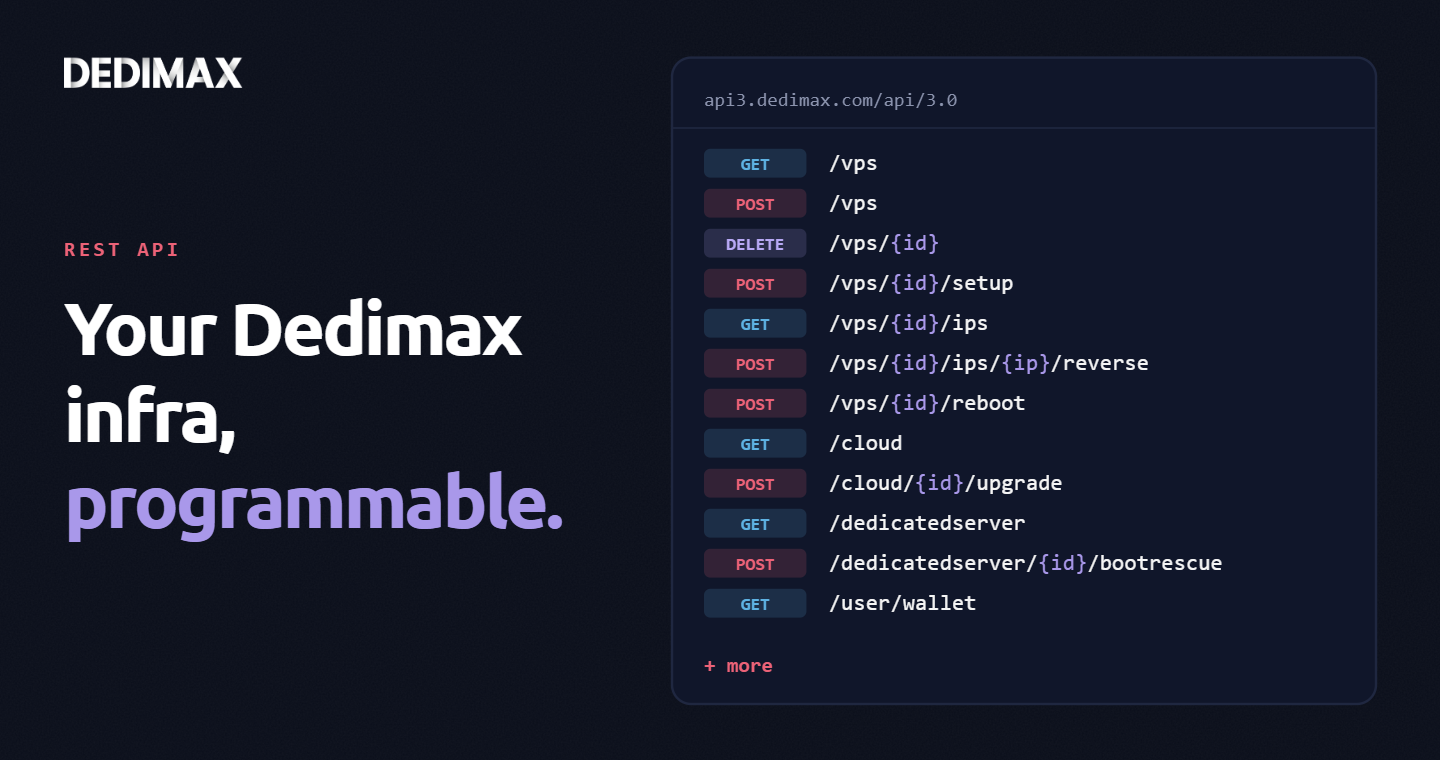
Clicking through a panel to provision a VPS, trigger a reboot, or change a reverse DNS record is fine when you...
If you've ever provisioned a fresh VPS and spent the next two hours installing Docker, pulling images, writing...
Toma el control de tu servidor dedicado (configuraciones, datos...) sin límites en el uso de aplicaciones.
Que estas esperando ?
Te esperamos en nuestro blog. Guías y tutoriales publicados regularmente (sysadmin, gaming, devops...) !
Permítame verificar