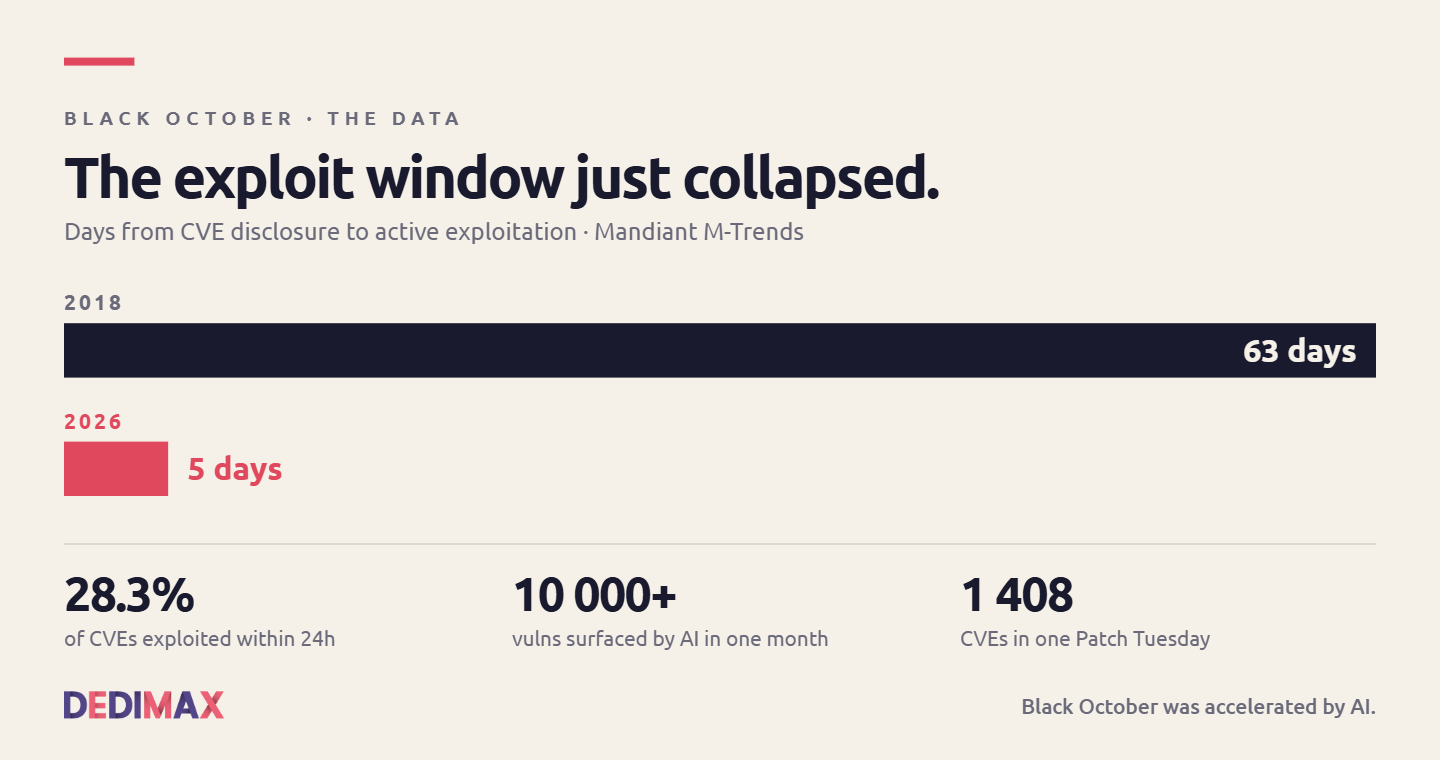
Black October Was Accelerated by AI. Here's What Comes Next for CVE Monitoring.
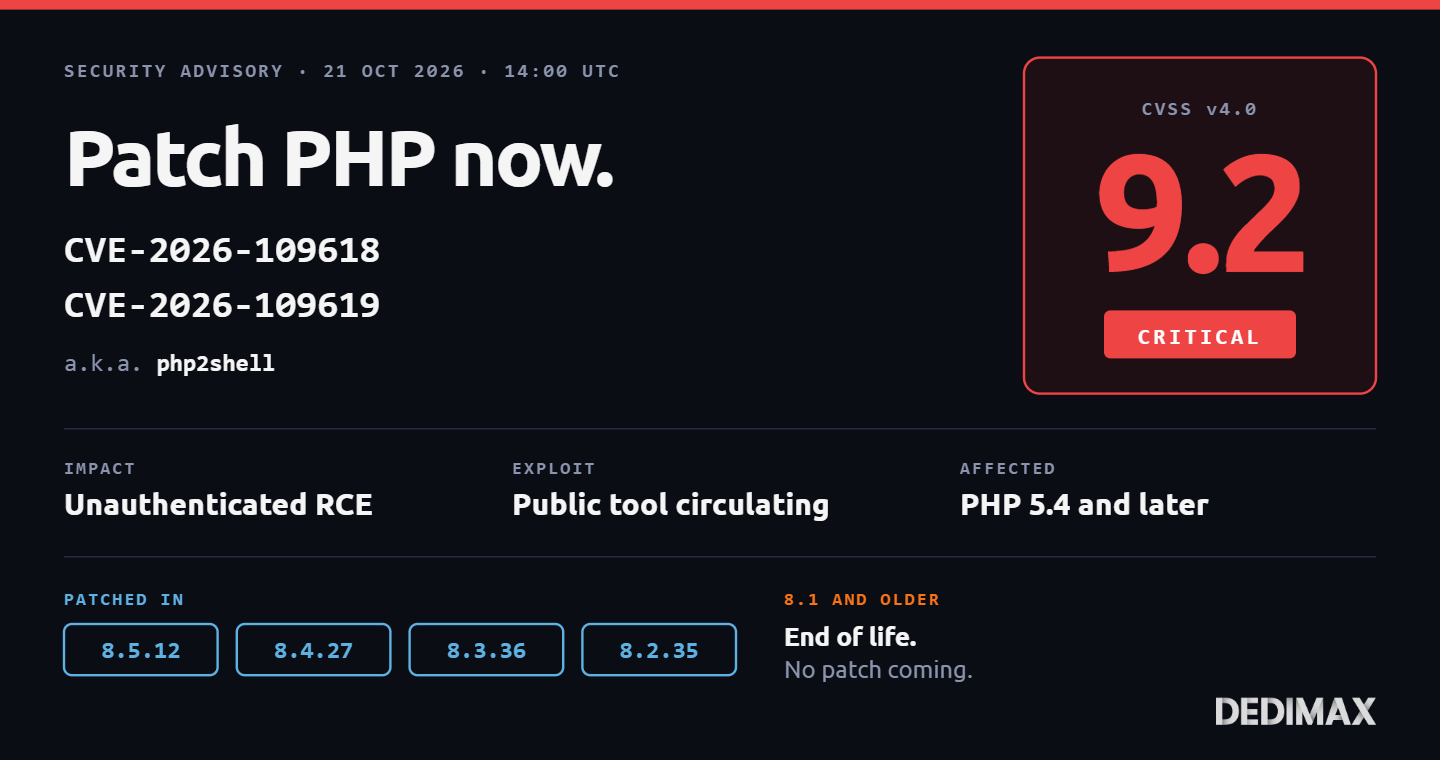
The last ten days have been nicknamed "Black October" in the security press. Two critical PHP RCE vulnerabilit...

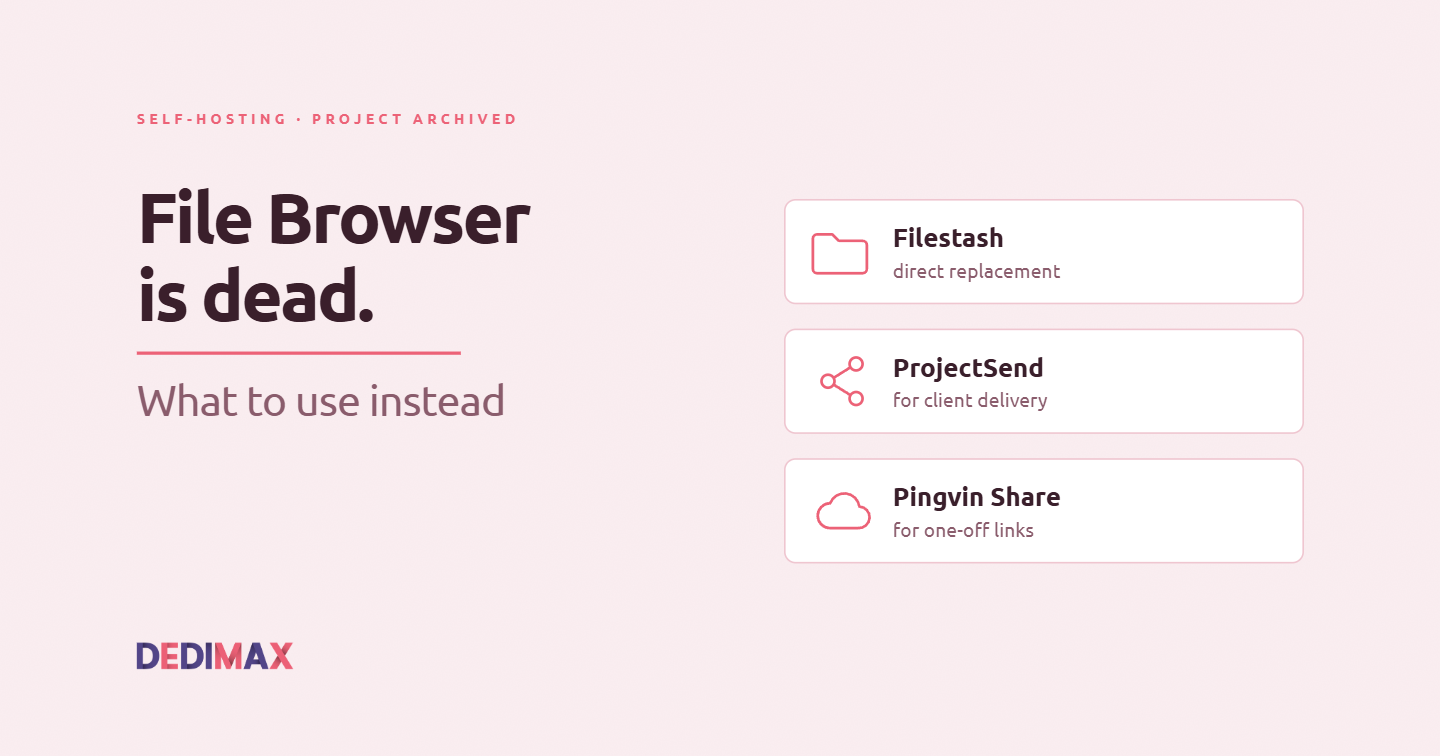
On September 1, 2026, the filebrowser/filebrowser GitHub organization was formally archived. No more releases, no more bug fixes, no more security patches. Docker images stay online but frozen at the last version. If you're running File Browser in production, and thousands of self-hosters are, this concerns you.
The archival didn't come as a surprise to anyone who followed the project. Henrique Dias, the original author who took the reins back after years of the project drifting between maintainers, published "Goodbye File Browser, for Real This Time" on July 28. The archive was scheduled from that moment. The last release shipped with security patches, a wind-down notice, and the honest recommendation that people should migrate to something maintained.
What Dias explicitly did not do was recommend a specific replacement. His words: "I can't recommend any specific alternative, as I haven't compared them side-by-side, or even used them." Fair, and honest. But that leaves everyone still running File Browser in production with a homework assignment.
This article does that homework. Not with a generic "top 10 alternatives" list, but with a clear-eyed look at what File Browser actually did, what the real alternatives are, and which one fits which use case.
Before jumping to alternatives, it's worth being precise about what File Browser did well and what it was.
File Browser was a single-binary web file manager. One Go binary, no external dependencies (no PHP runtime, no Node.js, no database server), one Docker container, working file manager in under a minute. That simplicity is why it got adopted so widely. Point it at a directory, expose it on a port, add basic auth, done.
It handled the core operations you'd expect: upload, download (single or multi-file zipped), preview (images, video, audio, text, code), edit text files inline, share links with expiration, multi-user with permissions, and a clean modern UI. What it wasn't: a Dropbox replacement, a WeTransfer alternative, or a document collaboration platform. It was a file manager over the web for a directory you already had.
The alternatives that make sense depend on which of those roles you were actually using it for.
If you were using File Browser for one of these three patterns, here's what to look at instead. Each use case points to a different tool, and using the wrong one for your case will make you unhappy.
The classic File Browser pattern: you have a server, a folder full of stuff, and you want to reach it over the web without SSH+SFTP dance. Multi-user with permissions if the household or team uses it. No storage backend integrations, just your local filesystem.
Recommended replacement: Filestash
Filestash is the closest architectural match. Written in Go like File Browser, single binary, Docker-ready, clean modern UI, handles the same core operations. Where it goes further: native support for multiple storage backends (S3, Dropbox, Google Drive, FTPS, SFTP, WebDAV) if you ever need them, plus a plugin system.
Setup on a Dedimax VPS is a 5-minute affair:
docker run -d \
    --name filestash \
    -p 8334:8334 \
    -v /path/to/data:/app/data \
    machines/filestash:latest
Point a reverse proxy at port 8334 (see our reverse proxy guide), set up your admin account on first launch, done.
Trade-off to know: the multi-backend feature adds configuration complexity if you only need local storage. The SFTP setup in particular is documented poorly, expect to spend some time on the exact path format.
You were using File Browser as a way to give clients or external users a link to grab specific files. Clients aren't tech-savvy, they just need to download something you sent them.
Recommended replacement: ProjectSend
ProjectSend is purpose-built for this exact scenario, which File Browser did but awkwardly. You create client accounts, assign files to specific clients, and they see only what you shared with them. Email notifications when new files are available. Download tracking so you know who grabbed what.
The stack is PHP + MySQL, so you need a slightly more complex setup (LAMP or docker-compose with a database), but the tool itself is stable and mature. Actively maintained, focused on doing one thing well.
Trade-off to know: it's not a general-purpose file manager. If you need to browse a filesystem, this isn't it. And the UI shows its PHP-era origins, functional but not modern.
You were using File Browser to send one-off files to people via shareable links (WeTransfer-style), not to give clients access to a persistent library.
Recommended replacement: Pingvin Share
Pingvin Share is a self-hosted WeTransfer alternative. Upload a file, get a link, set an expiration date and download limit, share the link. Optional password protection. Optional email invitations. No file size limit (only your disk).
Written in TypeScript/NextJS, single Docker Compose stack, modern UI, and it's actively developed by a maintainer who ships regularly.
services:
  pingvin-share:
    image: stonith404/pingvin-share
    restart: unless-stopped
    ports:
      - 3000:3000
    volumes:
      - ./data:/opt/app/backend/data
Trade-off to know: this is not a file manager at all. You can't browse your existing files. It's a share-then-delete pattern. If you were using File Browser to organize your media library, Pingvin Share doesn't cover you.
Every "self-hosted file thing" article eventually mentions Nextcloud, and this one has to as well. Nextcloud Files does everything above and much more: file management, sharing, sync clients, collaborative editing, calendars, contacts, video calls if you install Talk.
The problem is proportionality. If you were happy with File Browser's single-binary simplicity, Nextcloud is a completely different beast. A dozen containers minimum with the All-in-One install, PHP + database + Redis + object storage, and enough features that you'll spend real time on ongoing maintenance.
Nextcloud is the right answer if: you already need multiple of the features it offers (files + calendar + contacts + collaborative editing), or you're deploying for a team of 10+ where the extra complexity amortizes.
Nextcloud is overkill if: you just want the File Browser experience on maintained software. Use Filestash instead.
We covered Nextcloud deployment as part of our 5 SaaS to self-host for your SMB guide if you decide the extra features are worth it.
File Browser's archival is part of a broader pattern in self-hosted software that deserves acknowledgment. The project was maintained by volunteers, drifted between maintainers, and eventually one person had to make the call to shut it down cleanly rather than let it rot in an unmaintained state.
This is going to happen to more of the self-hosted tools you depend on. Not most, but some. The best defense isn't picking projects that will never be archived (impossible to predict), it's building your infrastructure so that a project archival is a "we should migrate in the next quarter" event rather than an emergency.
Practical rules for reducing the pain when this happens:
If you have File Browser in production right now, here's the practical sequence:
Immediate (this week): audit where it's exposed. If it's publicly reachable on port 80/443, put it behind additional access controls (VPN, IP allowlist, or at minimum HTTP basic auth in front of the reverse proxy) until you migrate. The last security fixes shipped, but no future ones will.
Short term (this month): identify your use case from the three above, deploy the recommended replacement in parallel to your current File Browser. Test with real workflows.
Migration: migrating "data" for File Browser is trivial because it just points at a directory. Whatever you had in that directory stays there. What you actually migrate is user accounts and permissions, which you'll set up fresh in the new tool. For most single-user or small-team deployments this is a 30-minute job.
Cutover: once the replacement is validated, redirect your DNS or reverse proxy to the new tool. Keep File Browser running for a week or two in case you missed something. Then archive it.
File Browser being archived isn't a failure, it's how healthy open source works when a maintainer makes the honest call rather than pretending. Dias' post is worth reading in full for anyone who runs OSS projects themselves. The self-hosting community loses a good tool, gains clearer signal about which projects have the wind at their back, and users get a nudge to migrate to something maintained.
If you're running any of your tooling on a Dedimax VPS or dedicated server, the migration itself is quick. The harder part is being honest with yourself about which use case you actually have, and picking the right replacement instead of defaulting to "whatever's popular."
Filestash if you need a file manager, ProjectSend if you send files to clients, Pingvin Share if you share one-off links. Skip the temptation to pick Nextcloud unless you're going to use its other features. And this time, pick tools with active communities behind them, not just a nice UI today.
Deploy your own VPS
300+ apps in one click, full root access, ready in minutes.
From $11.99/mo
The last ten days have been nicknamed "Black October" in the security press. Two critical PHP RCE vulnerabilit...
Two critical remote code execution vulnerabilities in PHP were patched today, October 21, 2026 at 14:00 UTC. T...
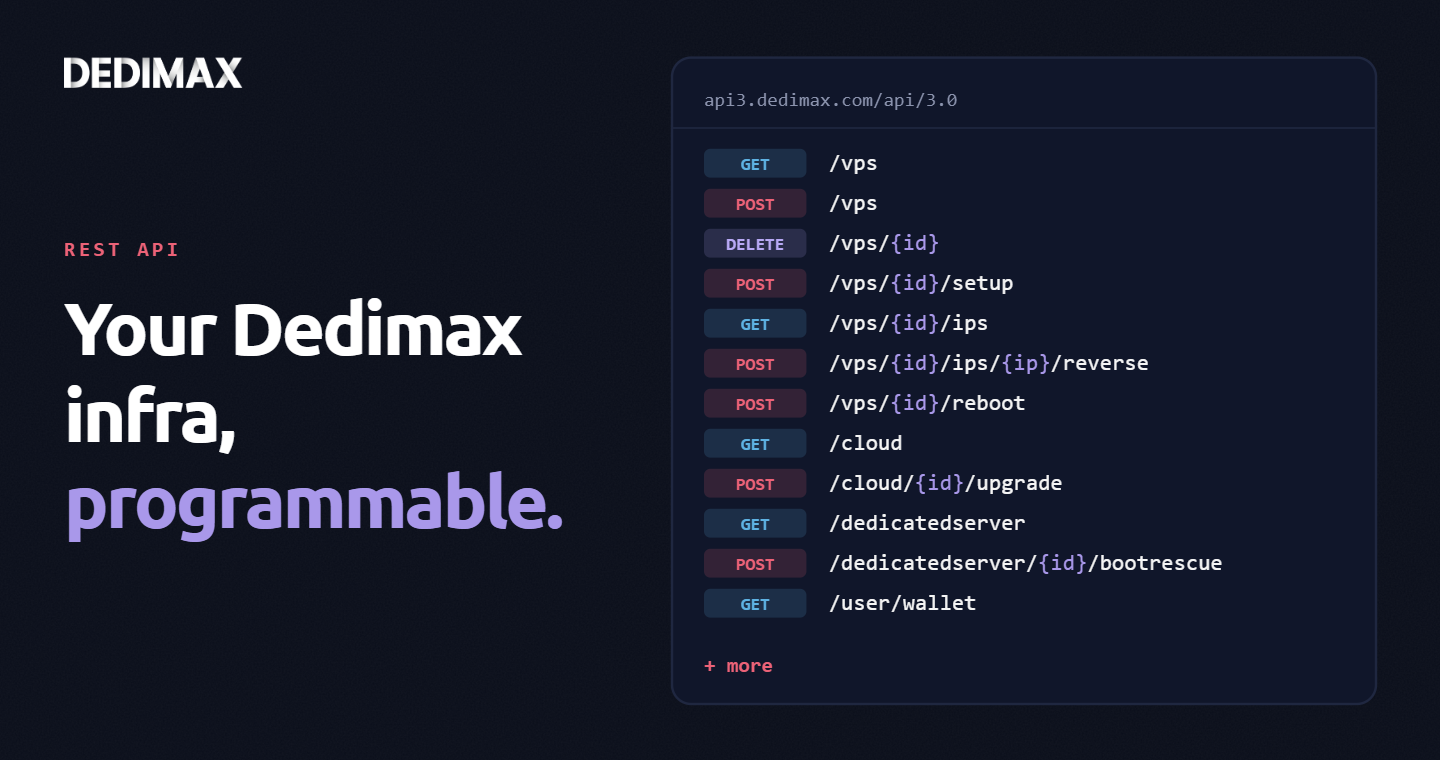
Clicking through a panel to provision a VPS, trigger a reboot, or change a reverse DNS record is fine when you...
Take control of your dedicated server (settings, data ...) without any limits in apps usage.
What are you waiting for ?
We’re waiting for you on our blog. New guides and tutorials published regularly (sysadmin, gaming, devops...) !
Let me check